One Word Can Start the Right Conversation.
“Comment GUIDE and we'll send it to you.”
Your audience knows what to do.
Flozari knows what to do next.
The challenge
Your Audience Is Giving You Signals. Are You Listening?
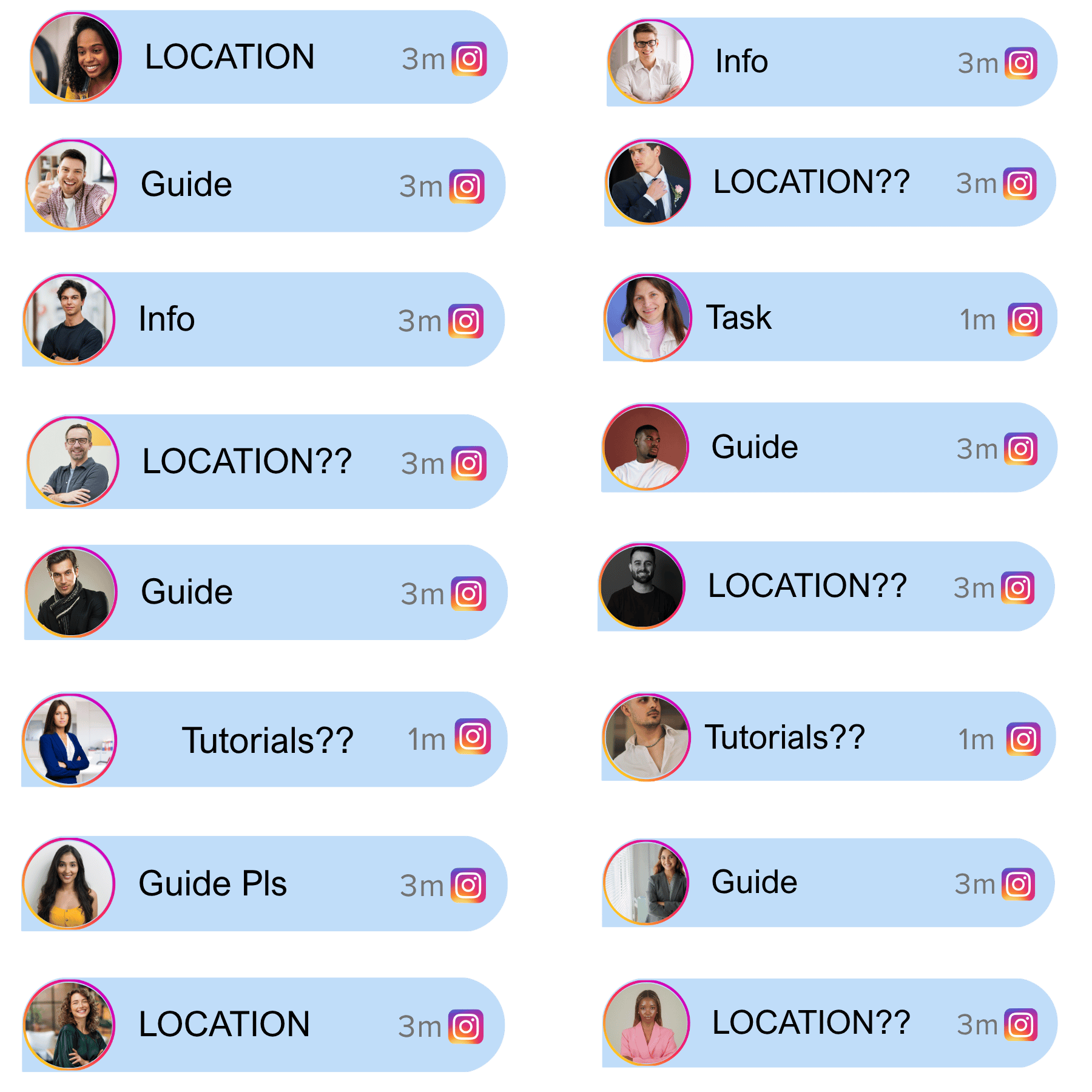
These simple words can tell you exactly what someone wants.
But manually finding those comments and responding to them takes unnecessary effort.
Instagram comments
Interest appears in plain sight
PRICE
Signal detectedDEMO
Signal detectedLINK
Signal detectedBOOK
Signal detectedHow Flozari helps
Turn Keywords Into Automated Actions.
Create keywords that trigger specific responses.

Charlie
Active now
How it works
From a Keyword to the Right Action
Choose keyword
Select the word that signals interest.
Create action
Connect it to the message, link, or flow.
Activate automation
Make your keyword ready for new comments.
Flozari responds
When the keyword appears, the relevant action starts.
Benefits
Turn Clear Intent Into Better Conversations
Precise targeting
Connect a clear audience signal to the response they need.
Faster responses
Start the right automation as soon as the keyword appears.
More relevant conversations
Give people information matched to what they asked for.
Easy campaign creation
Build simple keyword-led campaigns for every offer.
Better lead capture
Identify interest and guide people toward the next step.
Use cases
A Keyword for Every Campaign
Reels
Turn comments on high-reach content into conversations.
Giveaways
Send entry details or follow-up information.
Product launches
Share early-access details and product links.
Lead magnets
Deliver a guide, checklist, or resource on demand.
Webinars
Send registration information to interested viewers.
Promotions
Guide people to campaign details and offers.
Comparison
Manual Search vs. Keyword Automation
FAQ
Questions About Keyword Targeting
Can I create multiple keywords?+
Yes, keywords can be used for different workflows.
Can different keywords trigger different responses?+
That's one of the key uses of keyword-based automation.
Can keywords be used for lead generation?+
Yes. Keywords such as DEMO, PRICE, or GUIDE can be used to identify and engage interested users.
Explore Other Features
Complete your automation toolkit with our other powerful features


Give Your Audience a Word. Give That Word a Purpose.
Turn the signals people already give you into helpful, timely next steps.